Guides
Step-by-step tutorials for setting up and running things on your servers. For how Rustward itself works, see the docs.
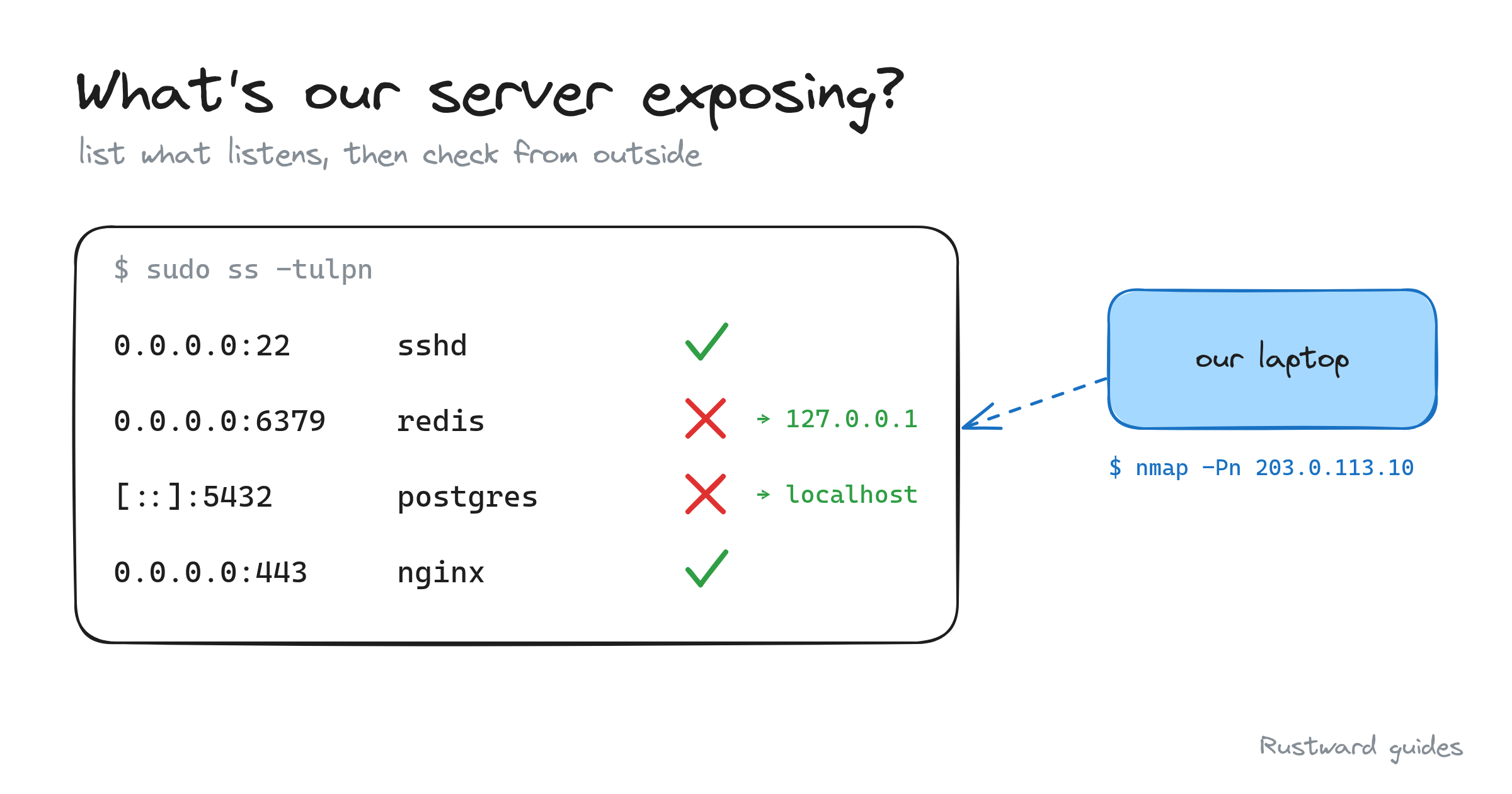
Audit what your server exposes
List what's listening, check it from the outside, and close or lock down anything that shouldn't be public, like Redis, Postgres or an admin panel.
Read the guide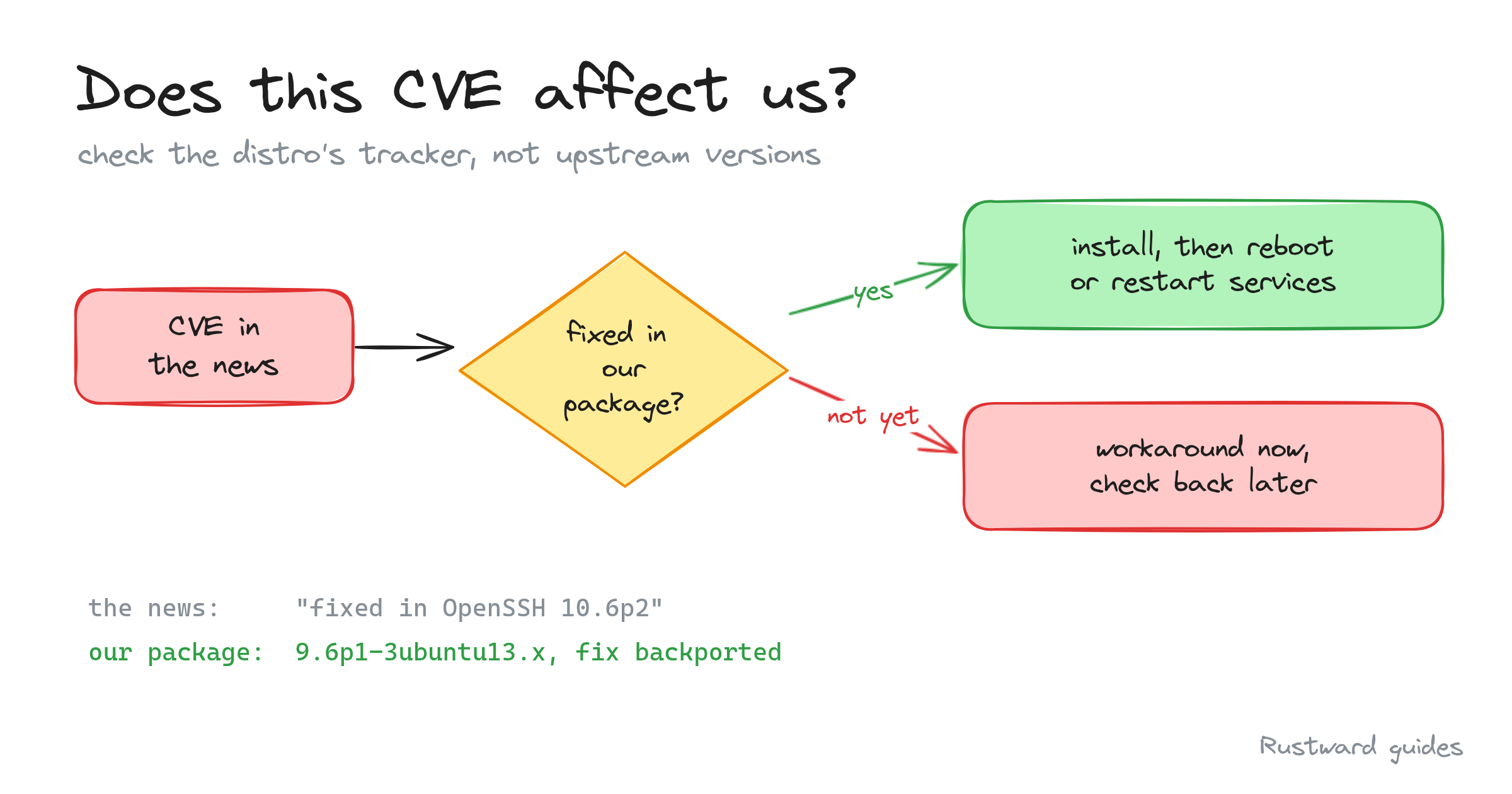
Find out whether a CVE affects your server
Read your distribution's security tracker, check installed package versions, and understand why a patched package can look out of date.
Read the guide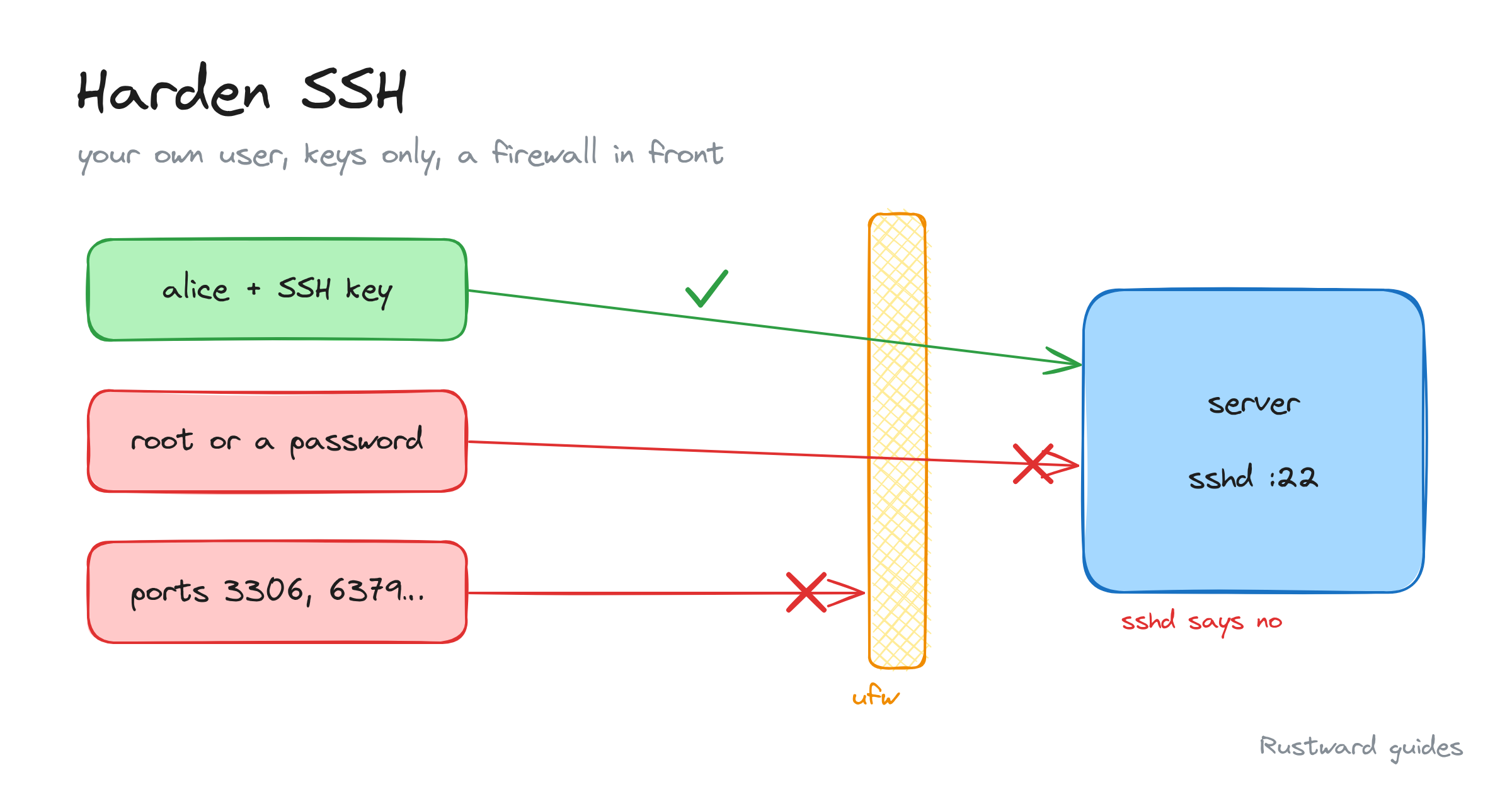
Harden SSH on a new server
Log in as your own user, turn off root and password logins, and put a firewall in front of SSH on Ubuntu or Debian.
Read the guide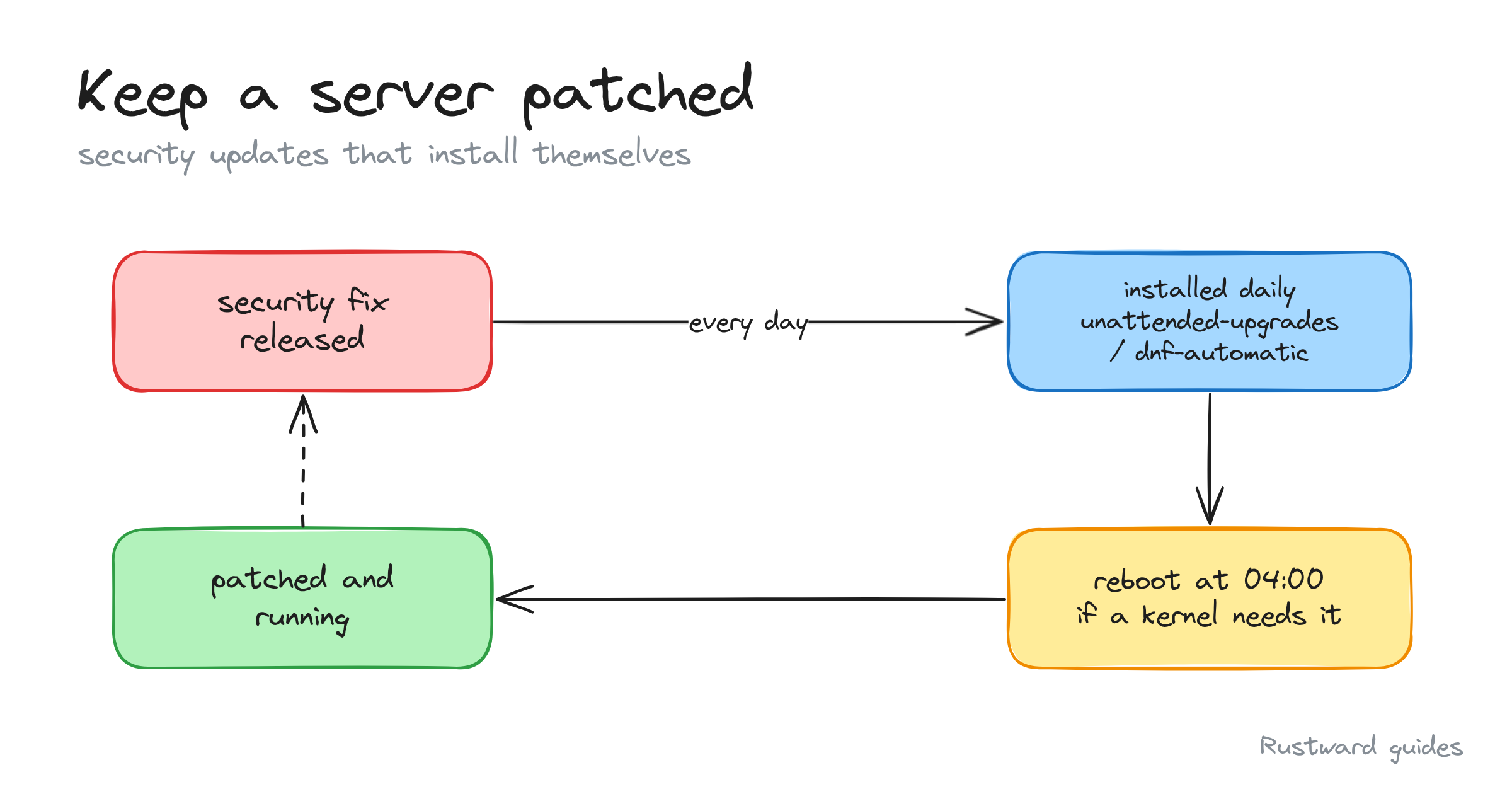
Keep a server patched automatically
Install security updates every day without thinking about it, and reboot when a new kernel needs one, on Ubuntu, Debian, AlmaLinux and Rocky Linux.
Read the guide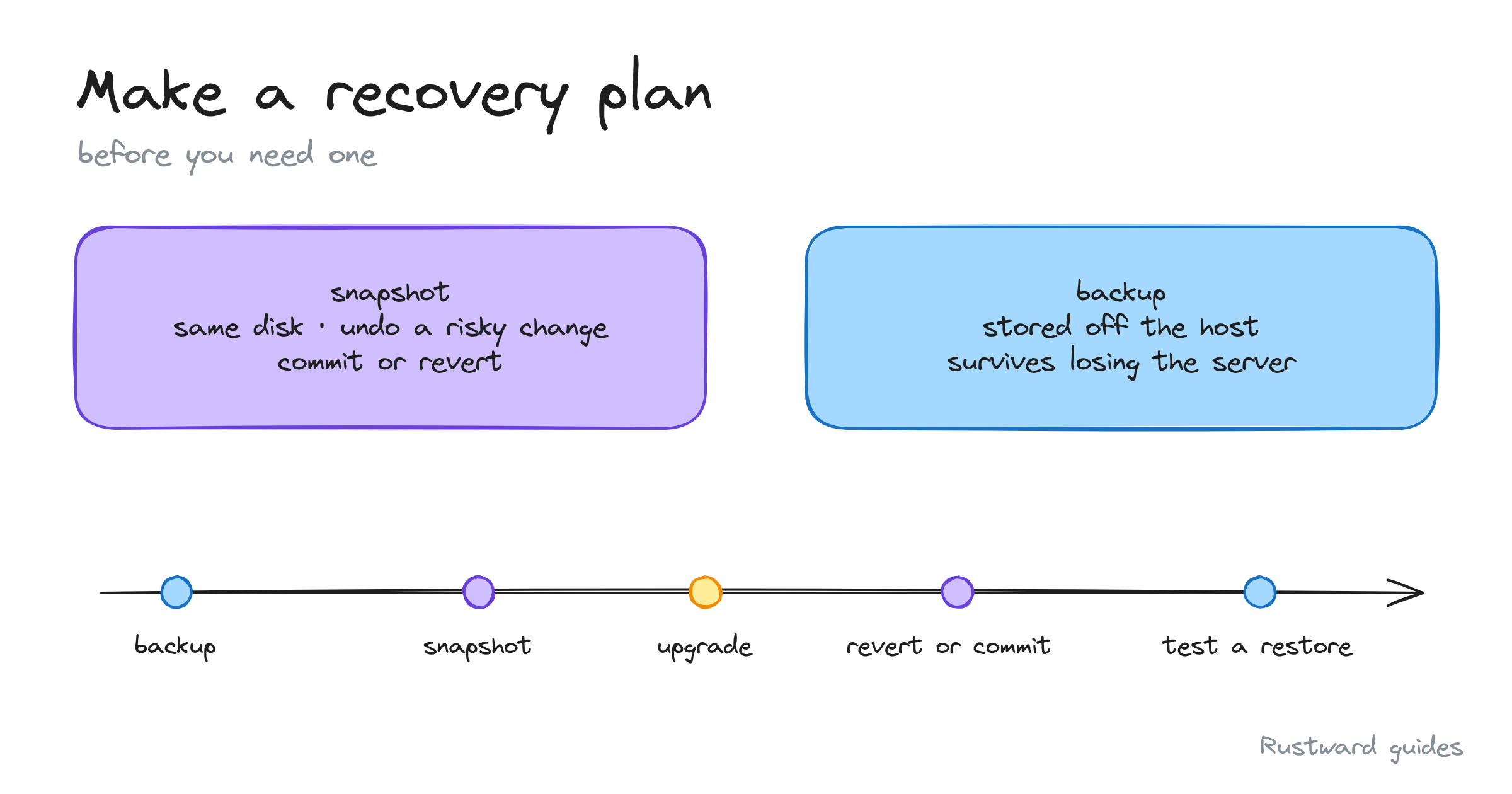
Make a recovery plan before you need one
When to use snapshots and when to use backups, how to test a restore, and what to do if you think a server has been broken into.
Read the guide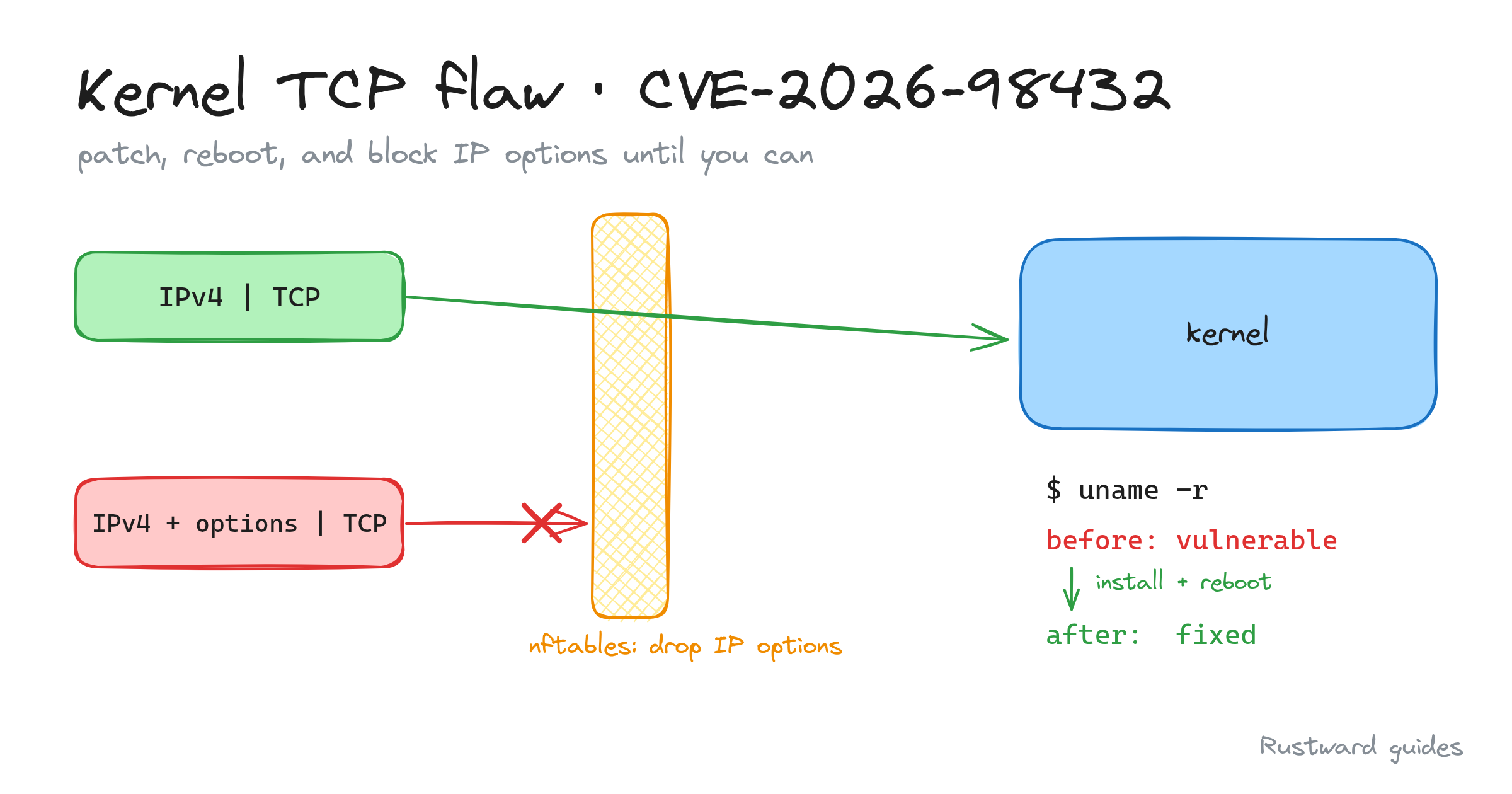
Patch the Linux kernel TCP flaw (CVE-2026-98432)
A critical bug in how the kernel handles incoming IPv4 TCP connections. How to check your kernel, install the fix, and block the attack until you can.
Read the guide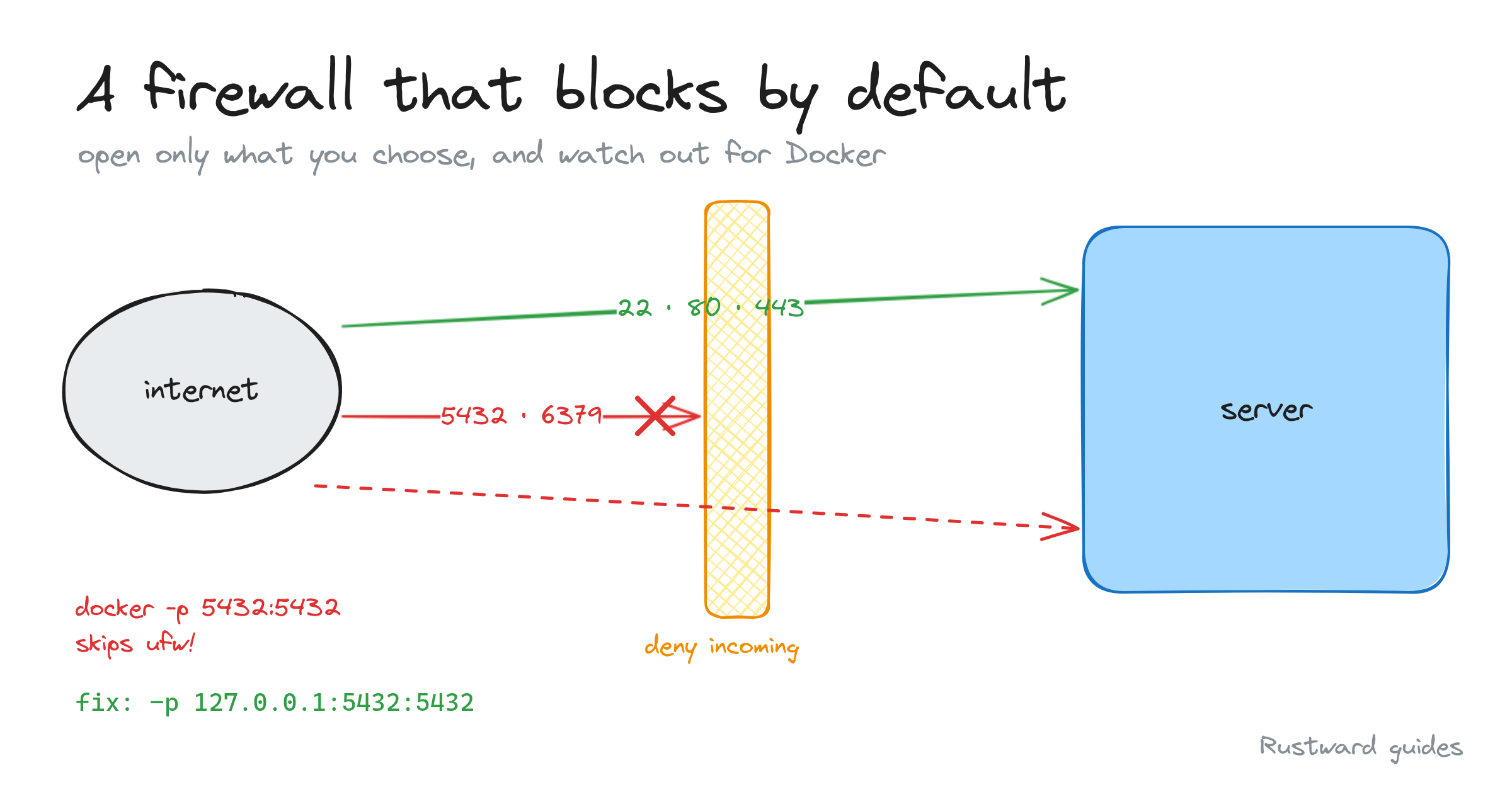
Set up a firewall that blocks by default
Block every incoming connection except the ones you choose, with ufw on Ubuntu and Debian or firewalld on AlmaLinux and Rocky Linux, and avoid the Docker gotcha.
Read the guide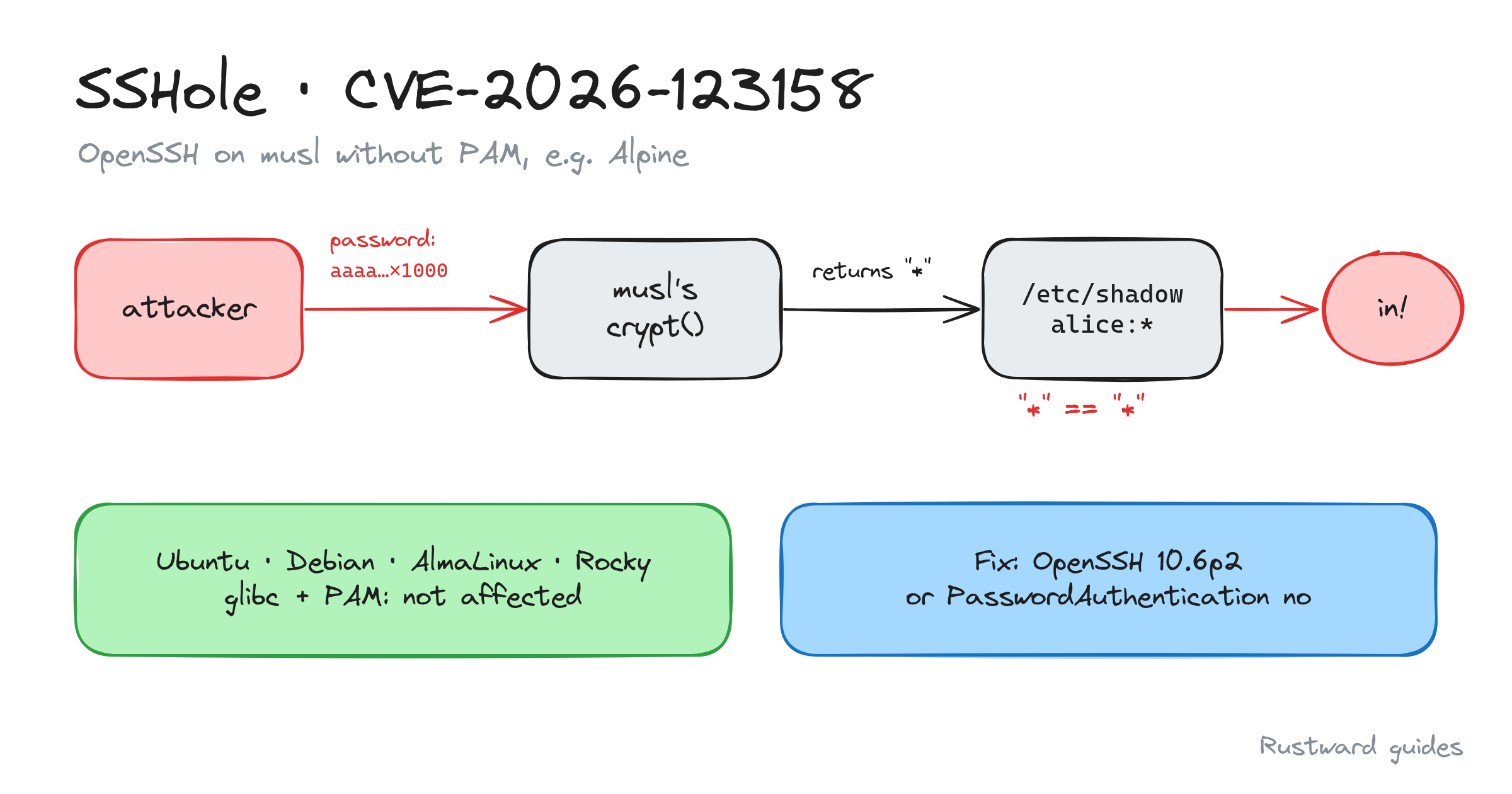
SSHole (CVE-2026-123158): is your server affected?
An OpenSSH flaw that lets attackers log in to password-locked accounts on Alpine and other musl-based systems. How to check, patch and protect against it.
Read the guide