Keep a server patched automatically
Install security updates every day without thinking about it, and reboot when a new kernel needs one, on Ubuntu, Debian, AlmaLinux and Rocky Linux.
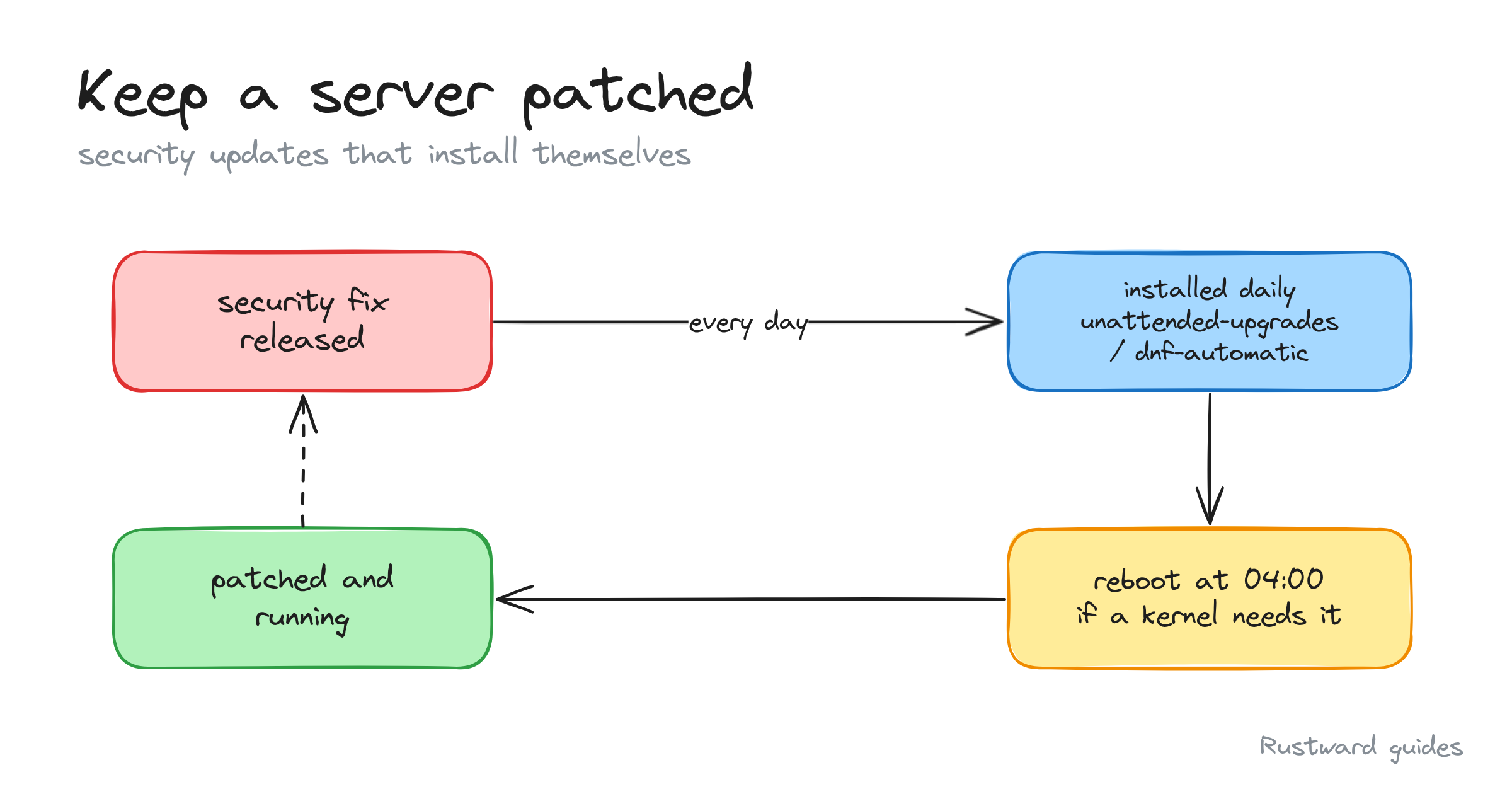
Most servers that get broken into aren’t hit by some clever new attack. They’re running software with a bug that was fixed weeks or months earlier, and nobody installed the fix. If we set up one thing on a new server, it should be this: security updates that install themselves.
In this guide we’ll turn on automatic security updates, check they’re working, and deal with the part people usually miss, which is rebooting so a new kernel actually runs. Skip to the section for your distribution.
Ubuntu and Debian#
Install unattended-upgrades#
Ubuntu images usually have it already. On Debian we may need to install it:
sudo apt update
sudo apt install unattended-upgrades apt-listchanges
Then we switch it on:
sudo dpkg-reconfigure -plow unattended-upgradesWe answer Yes. That writes /etc/apt/apt.conf.d/20auto-upgrades, which should now contain:
APT::Periodic::Update-Package-Lists "1";
APT::Periodic::Unattended-Upgrade "1";
The 1 means “every day”. Out of the box, only updates from the security archive are installed, which is what we want. Feature updates can wait for us to install them by hand.
Reboot when a new kernel arrives#
A new kernel or C library is installed but not used until the server restarts. We can let unattended-upgrades reboot for us at a quiet time. The settings are already in /etc/apt/apt.conf.d/50unattended-upgrades, commented out with //. We find these three, remove the // and change the values:
//Unattended-Upgrade::Remove-Unused-Kernel-Packages "true";
Unattended-Upgrade::Remove-Unused-Kernel-Packages "true";
//Unattended-Upgrade::Automatic-Reboot "false";
Unattended-Upgrade::Automatic-Reboot "true";
//Unattended-Upgrade::Automatic-Reboot-Time "02:00";
Unattended-Upgrade::Automatic-Reboot-Time "04:00";
The time is in the server’s time zone, which we can check with timedatectl. It only reboots when an update asks for it, by creating /run/reboot-required.
Rather choose when to reboot?
We leave Automatic-Reboot commented out and check the file ourselves instead:
cat /run/reboot-required
*** System restart required ***
If the file isn’t there, no reboot is needed.
Check it works#
A dry run shows what it would install without changing anything:
sudo unattended-upgrade --dry-run --debugAfter a day or two, we can see what it really did:
sudo tail -n 50 /var/log/unattended-upgrades/unattended-upgrades.logAlmaLinux and Rocky Linux#
Install dnf-automatic#
sudo dnf install dnf-automaticChoose security updates and apply them#
We open /etc/dnf/automatic.conf and change these two lines in the [commands] section:
[commands]
upgrade_type = default
upgrade_type = security
apply_updates = no
apply_updates = yes
upgrade_type = security installs only updates marked as security fixes. Then we start the timer, which runs once a day:
sudo systemctl enable --now dnf-automatic.timer
systemctl list-timers dnf-automatic.timer
Reboot when a new kernel arrives#
needs-restarting tells us whether the server needs a reboot to use what was installed:
sudo dnf install dnf-utils
sudo needs-restarting -r
Core libraries or services have been updated since boot-up:
  * kernel

Reboot is required to fully utilize these updates.
It exits with 1 when a reboot is needed. To reboot automatically at 04:00 when that’s the case, we add a cron job:
echo '0 4 * * * root /usr/bin/needs-restarting -r >/dev/null || /usr/sbin/shutdown -r now' \
  | sudo tee /etc/cron.d/reboot-if-needed
Check it works#
sudo journalctl -u dnf-automatic.service --since "2 days ago"Restarting services, not just the server#
Updating a library like OpenSSL doesn’t help a program that already has the old copy loaded. It keeps using it until it restarts. On Ubuntu and Debian, needrestart finds those programs and offers to restart them after an update. Ubuntu installs it by default; on Debian we add it with sudo apt install needrestart. To see what’s still running old code:
sudo needrestart -r lOn AlmaLinux and Rocky, sudo needs-restarting -s lists the services to restart.
Kernel fixes without a reboot (Ubuntu)#
If a server really can’t reboot often, Ubuntu’s Livepatch applies the most serious kernel fixes while it runs. It’s part of Ubuntu Pro, which is free for a small number of machines for personal use. After getting a token from Ubuntu:
sudo pro attach YOUR_TOKEN
sudo pro enable livepatch
Livepatch covers critical fixes only, so we still reboot now and then.
Take a snapshot before big upgrades
Automatic security updates are small and rarely break anything. Bigger changes, like moving to a new release, are a different story. We take a snapshot first so we can roll back.
Next steps#
- When a new CVE makes the news, check whether it affects your server.
- Harden SSH if we haven’t yet.